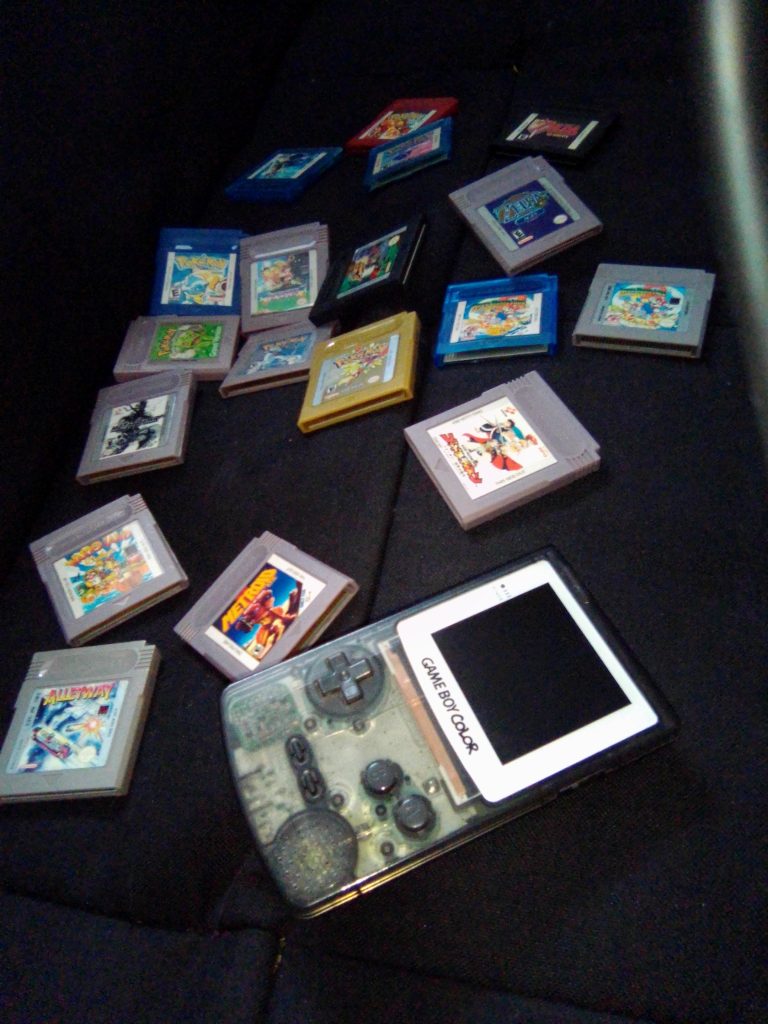
The Game Boy and Game Boy Color hold special memories for many of us. As well as being dedicated handhelds that were getting new releases for a significant part of the 90’s, they were also home to some great Mario, Pokémon, and Zelda games. Furthermore, in 2026, there is a flourishing Game Boy homebrew scene. Because of all this, there are many, many games that you can load up your flash cart with.
Flash carts can make the experience of playing retro consoles even easier and more fun, as you have many titles available to you on one cart. However, every cart is different, and sometimes we need advice on which one to purchase. Everdrive has long been known as one of the best flash cart manufacturers. Here on Emuxel, we have reviewed many Everdrive products. For the Game Boy and Game Boy Color, Everdrive currently offers three different kinds of flash carts. They are the X3, the X5, and the X7. Read on for a review and comparison of these great, premium flash carts.
Utility
The Everdrive X7 is the most expensive and, without doubt, the best of the Game Boy Everdrive flash carts. The main difference that makes the X7 the best is that it saves without having to press the button at the top to reboot back to the main menu (which also saves on the X3), and it also supports save states. You press the button at the top of the cart to enter the save state menu. This is great for games that don’t support a save function and will also help you on difficult games as you can save before you take on that hard boss or puzzle. The X7 also has a real-time clock that comes in handy for Pokémon games. The X5 has no save states, but will save without having to reboot back to the main menu. With the X3 you will have to press the button at the top of the cart to save when you have saved in-game. This will write the save onto the cart.
All versions of the Everdrive GB will support hundreds of games. You could have the whole library of Game Boy and Game Boy Color games on the Everdrive. There is no real limit. In terms of power consumption, all versions of the Everdrive use a lot of power. I’ve had problems with Game Boy Pockets that have IPS screen mods. I’d go as far as to say it is not recommended to use any of these Everdrives with modded Game Boy Pockets, as the Game Boy Pocket doens’t have the power to run the cart. I’ve even had problems with some Game Boy Colors.
Setup
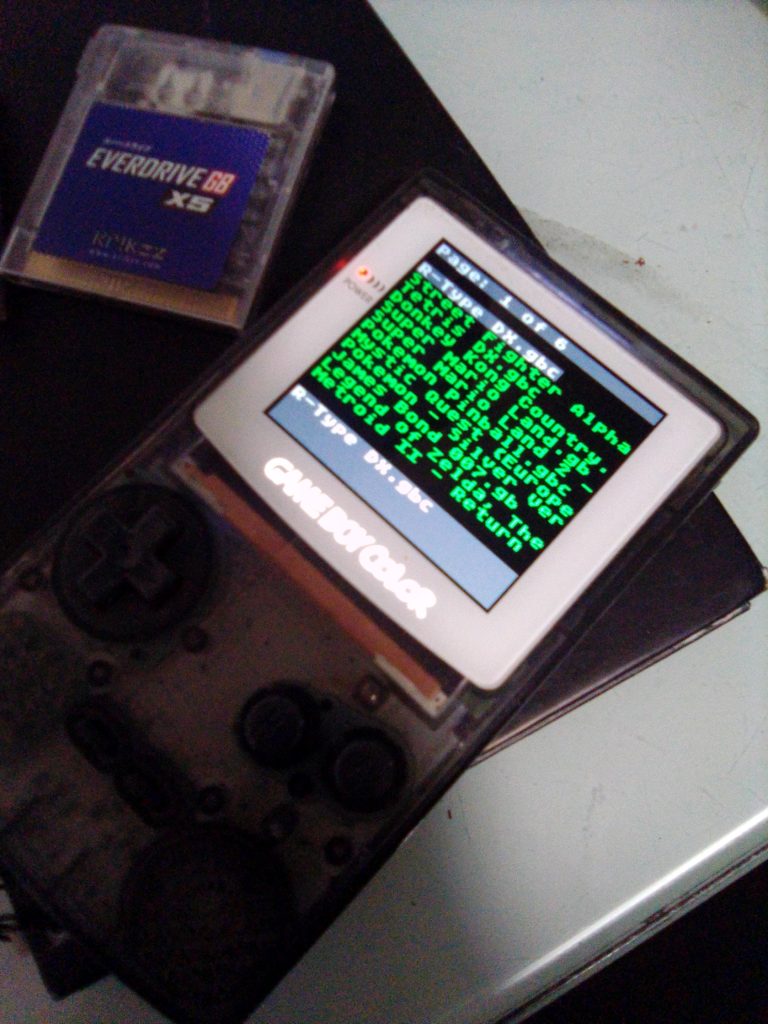
Setting up your Everdrive is simple, and all you need is a version of the operating system which you can easily download from the internet, a micro SD card and a computer. You need to format the SD card to FAT 32 and paste the OS to the root of the SD card. Then, create a folder for ROMs in the OS folder, and paste your ROMs into it. The OS is different for the X3, X5, and X7. However, they are all easy find and quick to install. In terms of ROMs, any game with .gb or .gbc will work. These could be ROMs of old official games or new homebrew games. ROMs can be found easily online. The X3, X5, X7 will all play the same games. Unfortunately, Game Boy and Game Boy Color are all that the X3, X5, and X7 can play. This is in comparison to the GBA Everdrive which can play GBA and NES games.
Once you have setup your Everdrive, you can start playing games. Mario, Zelda, and Pokemon are popular titles. The Everdrive X3, X5, and X7 can all play ROM hacks as well as original ROMs. Super Mario Land 2 DX is a popular ROM hack. All three of the Everdrives will also work on the GBA. However, they don’t fit flush into the system and protrude as they are shaped like Game Boy cartridges rather than GBA cartridges. In my experience, in terms of power, the GBA has no problem running the X3, X5, or X7 flash cart. The power problem is a main issue with the Game Boy Pocket.
Performance
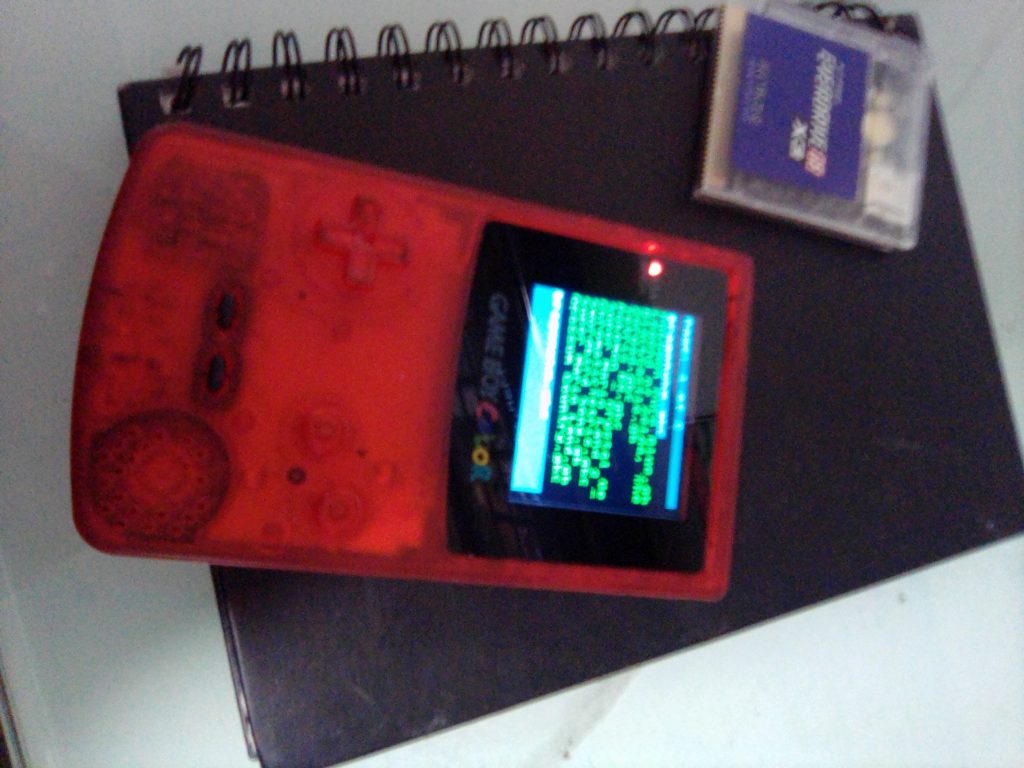
These carts will run the whole library of Game Boy games. It is such a convenient thing to be able to switch between games on the fly. However, the only title where you can do that while saving is the X7. The X7 also has save states. The X5 can save when you save in-game. You do not need to reboot to the main menu to save. The X3 does require you to press the button on the cart to reboot to the main menu and save. However, the cart still has all the convenience of a great flash cart. The X3 is around £40. The X5 is around £70, and the X7 is around £120.
These prices are good value for money, and the only flash cart that rivals them is the EZ Flash Junior which is around £50. My experience with the EZ Flash Junior is that I had battery problems, which led to saving problems. The system would not save correctly, and at times would load old saves and I’d lose progress. Despite changing the internal battery, the issues remained. For those reasons, I prefer to use any of the Everdrive Flash Carts over the EZ Flash carts.
Conclusion
The GB Everdrive is an essential gadget for the Game Boy and Game Boy Color. There is no rival flash cart that can beat the Everdrive. The X7 is by far the best version available due to its save state ability. The X5 saves without having to reboot but lacks save states. The X3 is a great budget flash cart limited by the fact that you have to reboot it by pressing the button on the cart to save. All three of the flash carts drain a lot of power. Unfortunately, this means that they will not work on most modded Game Boy Pockets as they drain the power too quickly. They work well with modded Game Boy Colors. All ROMs work.
A player can fill their library with a combination of classics, ROM hacks and homebrew. The X7 is great for difficult games as you can load right before hard bosses or puzzles via the save states. Every one of these flash carts can be a indispensible accessory for your favourite modded Game Boy Color. The fact that they also work with GBA and GBA SP boosts their appeal. If you are going to get a flash cart for your Game Boy, get an Everdrive. Happy Gaming.

BongoBongo123 is an avid Zelda fan who also likes the odd game of Smash. His interests in gaming are broad but he loves a good Metroidvania or action RPGs.
[…] Everdrive GB X3 Vs Everdrive GB X5 Vs Everdrive GB X7 Which Should you buy? […]