
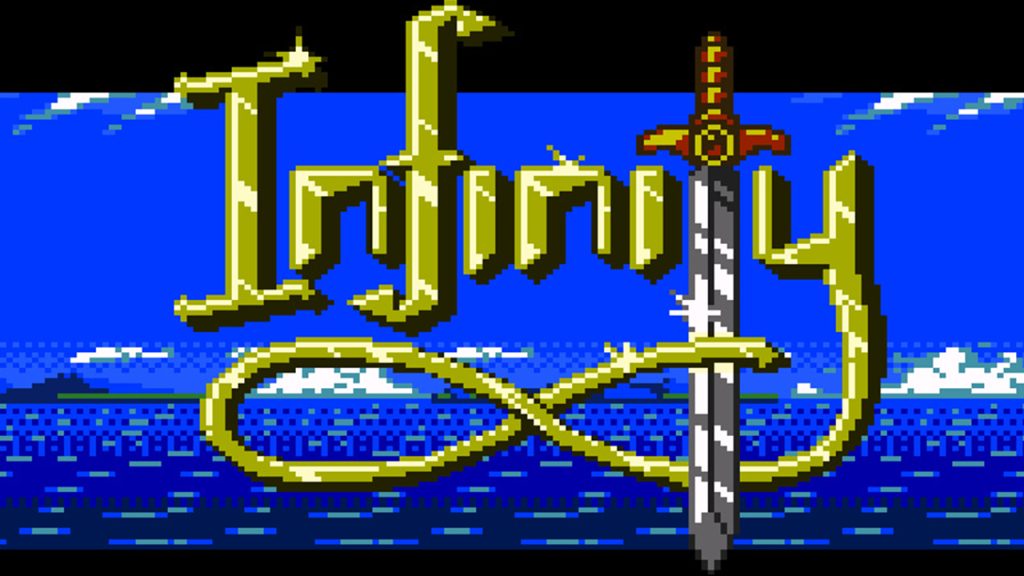
The Game Boy and Game Boy Color are systems that live on in many of our memories but many people don’t know that new games are unofficially still being developed, and released for these systems. Infinity, Dragonborne, and Kudzu are just some of the ‘homebrew’ titles that are being professionally released, and are whole new worlds for gamers to explore on their 8-bit handhelds. This flourishing homebrew scene is complemented by the growing Game Boy modding scene, where loads of us enjoy adding backlight screens and more to our handhelds. However, in terms of playing games, and using flash carts rather than individual carts, options can be limited, and how does a gamer choose between the options? This article reviews the Everdrive GB X7, a premium Game Boy Color flash Cart, where no corners have been cut.
The Everdrive GB X7 includes save states, the ability to return to the selection menu, cheats, and more. Read on for some background into flash carts, and how the Everdrive GB x7 is the best Game Boy flash cart money can buy.
Flash Carts
For Game Boy, Game Boy Color, and Game Boy Advance, there are a number of flash cart options that allow gamers to hold multiple roms on one cartridge for quick, easy access to their games. Some flash carts are fake copies of more premium products and have issues with saving, build quality, and the operating system. The best flash carts, with few problems and ease of use, are the Omega Flash products (such as the Omega Flash Junior) and the Everdrive products, from which the everdrive synonym for flash cart has become established.
Emulation and interest in flash carts are good for game preservation in that if people are playing games that are hard or impossible to access in a modern format (for example, Virtual Boy Wario Land), then the game files will be preserved into the future. However, the area is still a legal grey area. You have companies like Sega who don’t mind fans making their own games based on Sega’s properties (and past games). Compare this to Nintendo who will strike down with legal threats anyone who develops a rom hack based off a 20-year-old game that they had originally created. Nintendo specifically are enemies of emulation. With the Everdrive GB X7, games like Shantae, a fun metroidvania that only had a limited print run back in 2001, can get a second chance at life simply by downloading a rom.
Save States and Menu
Once the player downloads the Everdrive GB X7 operating system and then boots the Game Boy, a short list of choices is presented on the Game Boy screen. The bright green writing looks great on a Game Boy IPS screen but the everdrive will work on any compatible Game Boy. The roms folder is where you’ll find your games and choosing options using the d-pad is quick and responsive. Once you choose a rom, you select it and the game plays. It’s quick and seamless. It could be said that a sign of a good flash cart is that you don’t notice it because you are playing games, that is the case here. I haven’t experienced any issues with saves (which was a problem with the Omega Flash Junior), or issues accessing my roms. Menu navigation is smooth and easy.
The main difference between the Everdrive GB X7 and X5 is that the X7 allows save states. This means that the player can save at any point, and jump back in at that point if they die or go down a wrong path in the game. This means that in a game like Zelda: Oracle of Seasons, the player can reload just before a hard boss if they are finding it difficult and they keep dying. This is a great quality-of-life feature. Whether it is worth the extra £70 is debatable. But, it is certainly nice to use a flash cart with these quality-of-life features that make playing multiple games a fun, smooth experience.
Premium Product
The cartridge itself has a high quality feel to it. While superficially similar to the Omega Flash Junior, unlike the Omega the memory card of the Everdrive isn’t liable to shoot out across your room, as the spring is much more efficient. Another difference is the small button on top of the cartridge that brings up the save state menu. This is how you can save at any time, and also how you can boot back into the main menu. After many hours play, over many days, I’ve had zero issues with the Everdrive GB x7. Flipping in and out of games via the menu is smooth and easy, as is loading or creating save states.
Both the external appearance/ build quality, and the simple ease of use (plus save states, cheats, and the ability to return to the menu from a booted game) make the Everdrive GB X7 a top-of-the-range flashcard for your Game Boy or Game Boy Color. I’ve had dozens of hours of fun with it with zero problems. The saving issues that blight cheaper Game Boy flash carts are non-existent with the Everdrive GB X7.
If you want a premium flash cart the choice should be between whether you go for the X7 or the X5 (which has slightly fewer features but is cheaper). The X7 will give you a better experience of playing Game Boy, and you’ll have access to more features compared to both the X5 and the Omega Flash Junior. Happy Gaming.

BongoBongo123 is an avid Zelda fan who also likes the odd game of Smash. His interests in gaming are broad but he loves a good Metroidvania or action RPGs.
[…] is pixel perfect. I highly doubt the problem is linked to the screen. I’ve been using an Everdrive X7, and I can seamlessly return to a main menu when I’m done with a game. When the game boots […]