
Game Boy Modding involves changing or adding features to old Game Boys usually to make them look and play better than when they were originally released. In the last ten years, the Game Boy modding community has really grown, and people especially seem fascinated by adding IPS screens to their humble old Game Boy. An IPS mod transforms the screen. They are backlit, so can be played in the dark, the colors really ‘pop’ and there are pixel modes that allow you to see individual pixel grids like on the original models.
Screen Mods Generally
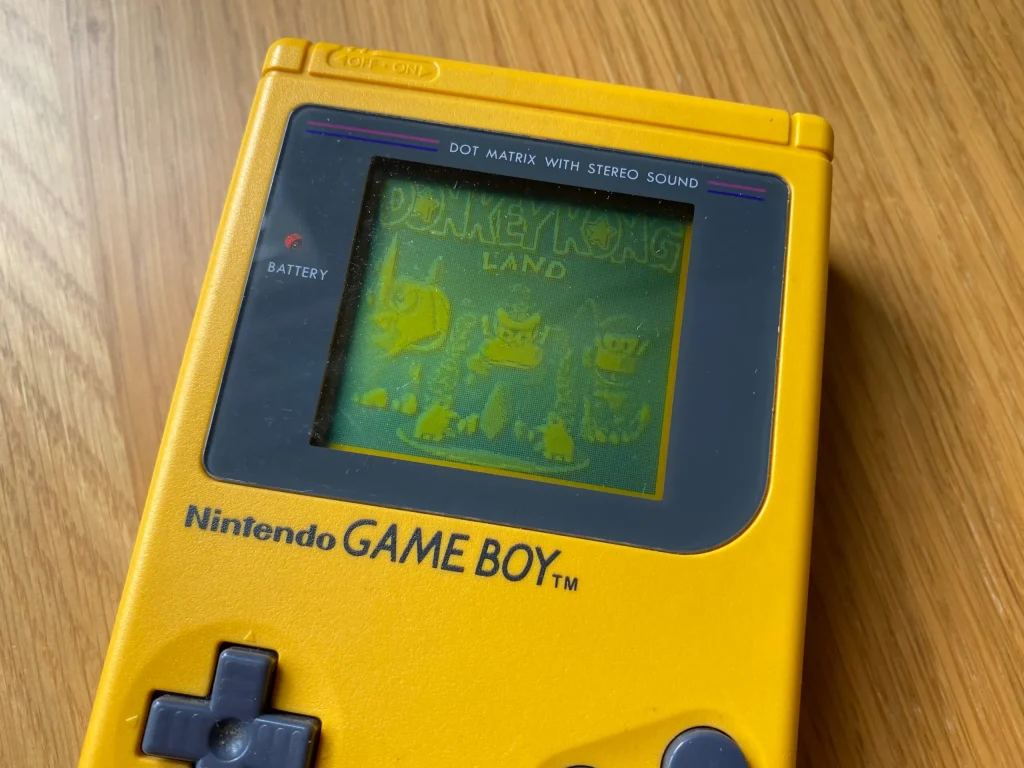
Nintendo didn’t backlight the original Game Boy. This saved them money and was a successful tactic because they could sell Game Boys at a low price and they ended up flying off the shelves. A green LCD panel was used and it was hard to see in most settings. The player had find the right spot in a room for light to reflect onto the screen.
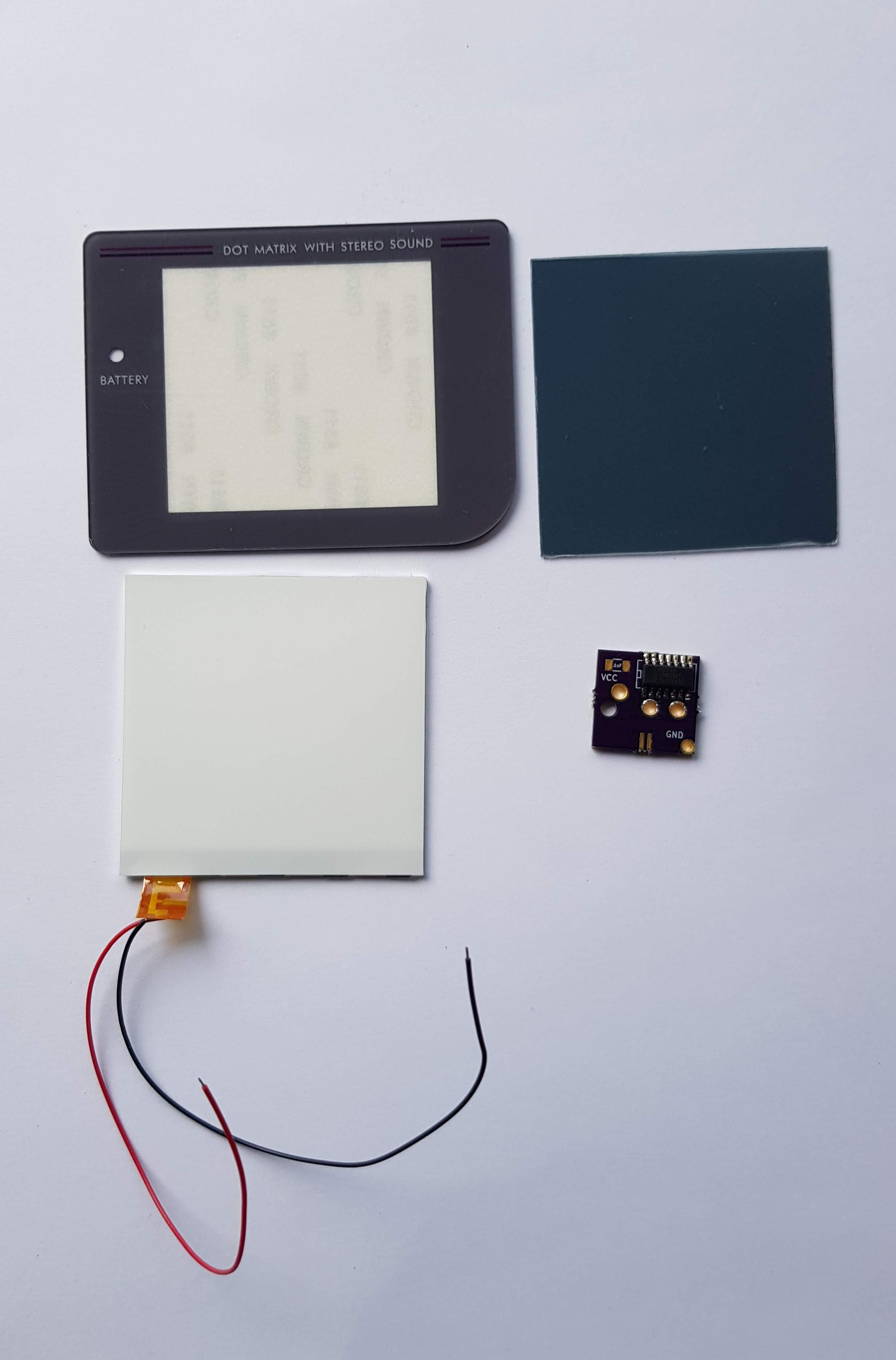
Nintendo continued using iterations of this screen up until the Game Boy Advance SP in 2002. Then with the Game Boy Advance SP, originally a front light was used that lit up the front of the screen. In the modding scene, consumers can buy cheap “backlight” kits that light up one end of the screen at three or four points, come in various colors, and so can be played in more conditions than without backlight/frontlight. However, to do this mod to a Game Boy or Game Boy Pocket, you have to peel two layers of the screen off without damaging the rest of the screen and you will likely ruin the screen.
Risky Maneuvers
However, with the Game Boy Colour, “drop-in” IPS kits are now available that are easy to install and look a lot better than the older, cheap backlight kits. They consume a lot of power and are prone to flickering. Most of these kits do not require soldering, but some do. The kits that are available for the DMG Game Boy, and Game Boy Pocket usually involve soldering and in my experience, the hardware finds it hard to run the IPS screens so, flickering and other problems often occur that are linked to power usage. This is where the RetroSix Cleanscreen comes in.
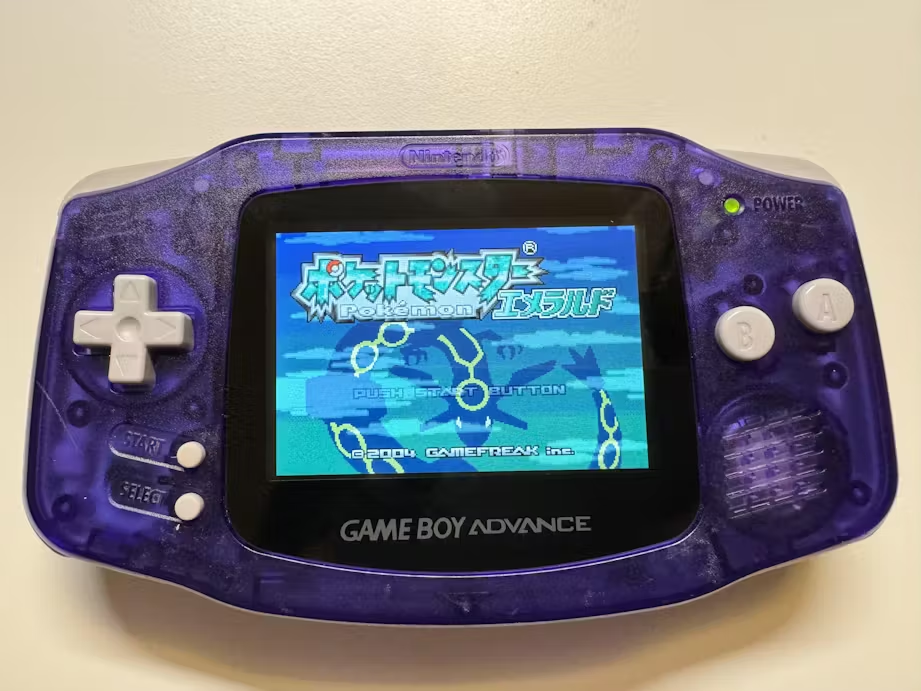
The CleanScreen is designed and produced at RetroSix, is available as a screen solution for the Game Boy Advance, Game Boy Advance SP, and Sega Game Gear. I have put together and played a few hours with a GBA cleanscreen and can say it is an easy, simple, and bright solution to Game Boy Advance screen modding.
Retro Six Game Boy Products
The RetroSix CleanScreen kit comes with a small board that contains all the important chips, the actual screen panel, two ribbon cables that will fit either a 32 pin or 40 pin Game Boy Advance, and a frame to fit the screen. With this equipment you can turn your dull GBA into a colorful, bright machine for playing retro classics (the GBA can emulate Master System and NES quite well). Combine this kit with a flash cart like the Omega Flash Cart and you have a formidable machine that allows you to dive into many amazing universes (metaphorically).
The Cleanscreen screen panel is the same size as the original GBA screen, so fits in the original machine easily, unlike many other IPS screens. As you play, you notice there is no screen flickering (flickering has been a big problem for me, especially when modding the Game Boy Pocket). This is because, the cleanscreen is made in a way so that it has transparency support, similarly to the original screen. This aspect is key to how the screen works and differentiates it from all other IPS screens. The colors are also bright. Overall, the kit is a great screen option for the GBA and I’ll be purchasing more products from RetroSix.
Game Boy modding has come a long way in the fifteen or so years that people have been looking to modify their old handheld consoles. I haven’t spoken about audio mods, shell mods, and light installations in this article. I’ve just given a general overview to the state of the scene currently. If you want to get involved with Game Boy modding I think it is a great way to spend your time, but be prepared for some frustration and failure. Happy Modding.

BongoBongo123 is an avid Zelda fan who also likes the odd game of Smash. His interests in gaming are broad but he loves a good Metroidvania or action RPGs.