There is a certain appeal to backlit Game Boys. They are stylish and cool (to some of us at least). Since the 90s, people have wished that they had the capacity to put a light on that screen so that they could play the Game Boy in their room at night. For many years, there have been options available to backlight your Game Boy. As time goes on it seems it is getting easier and easier to backlight your Game Boy. However, each version of the Game Boy has different modding options available. The Game Boy Color is probably the console with the biggest variety of screen kits available, and some of these are ‘drop in’, meaning no soldering is required. The GBA comes in as a close second. There are kits available for the Game Boy DMG, Game Boy Pocket, GBC, GBA, and GBA SP as well as for systems like the Sega Game Gear (which was backlit when it originally released).
The Game Boy Pocket is often noted to be a difficult console to backlight. It uses only two AAA batteries, so it is difficult to power a screen with that minimal charge. However, screen kits for the Game Boy Pocket are available from FunnyPlaying and HISPEEDIDO. There are images of both further down in the article. The FunnyPlaying version requires soldering only one wire. This is the kit I usually go for, and it improves the experience of playing games on the Pocket. The older HISPEEDIDO version required soldering four wires. Not only soldering wires onto predefined points, but also soldering them into vias. Vias are holes in the motherboard, and it is incredibly difficult to solder into vias (from my experience). In this article, we will review the new HISPEEDIDO IPS kit for the Game Boy Pocket that may or may not be solder-free. Read on for more info on this amazing new screen kit.
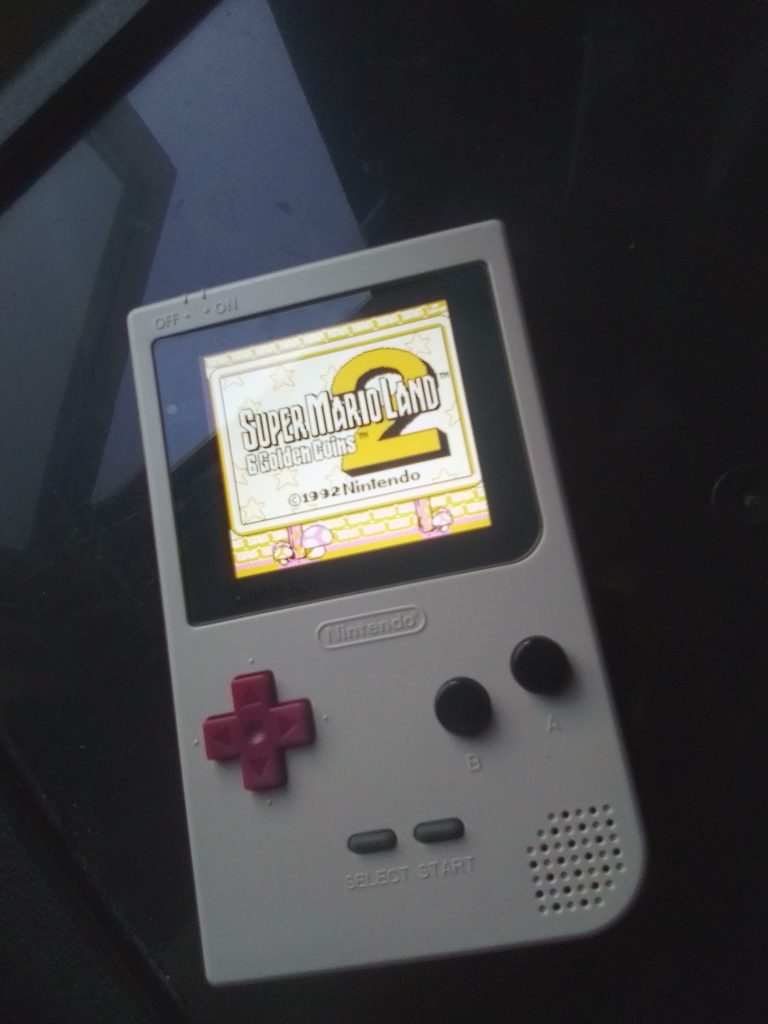
Setup and Installation
The kit comes well packaged. The screen itself is held in a small, hard plastic that resists force so it is highly unlikely to be damaged in the post. When I opened the case and looked at the PCB of the IPS screen, I was confused. It had the same points as the old version. This made me think that I would have to solder four wires into vias in the Game Boy motherboard (which is a hassle). I started the process. A ribbon cable was put in a dark side up in relation to the Game Boy Pocket motherboard. After much toil, I finished the installation and soldered wires from the screen PCB into the motherboard. There is also one wire for power that is soldered into a regular point rather than a via. Upon testing, the console started (I could hear it), but the screen stayed dead.
I initially thought that I must have missed one of the vias and not soldered it properly. But then, I remembered that ribbon cables should go gold side up, so I switched it to gold side up, and finally, the console booted correctly, and the screen illuminated like a beacon of gaming nostalgia. Because of this. I’m now confused as to whether the kit is a ‘drop in’ kit and would have worked without the soldering into any vias, or if my soldering worked. Another possibility is that the system only needed the power wire to be soldered (which it was). Regardless, I was happy that the system was working and began to play games on the console.
Performance
After a few hours, I was realizing that the up on the d-pad was a little stiff, and needed a bit of extra pressure to be recognized. I knew what the problem was. The screen is so big that it’s lower half was pushing against the rubber contact pad. I opened up the system and cut with some scissors a small section of the rubber contact pad. When I put the system back together, there was no problem with the d-pad. This is a problem I have experience with since it often happens with FunnyPlaying IPS kits. The Game Boy was now feeling like a great system. I hadn’t installed a screen lens since the donor Game Boy Pocket is a model that was released without an LED power indicator.
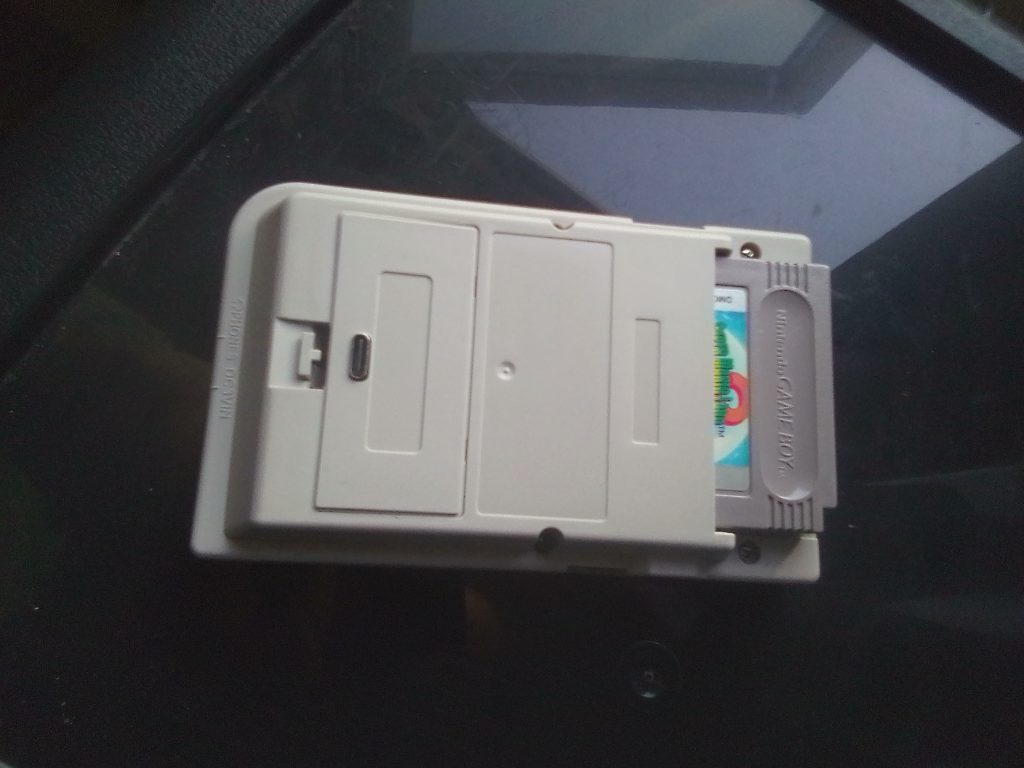
That brings up another great positive of this setup. The GBP battery mod is a great thing that is also new. It is a simple install. All that is needed is to wedge the battery and PCB into the battery compartment and fit the cover (which has a hole for the USB-C cable). The level of charge is indicated during gameplay in the top right corner. That feature is very useful to me since I’m using a model that has no LED power indicator. Unlike the FunnyPlaying GBP IPS kit, the new version from HISPEEDIDO seems to have a more stable screen that does not flicker as much. It also doesn’t break the graphics when you turn off the Game Boy. The screen just goes black, and it seems to manage tasks more fluidly than the FunnyPlaying version.
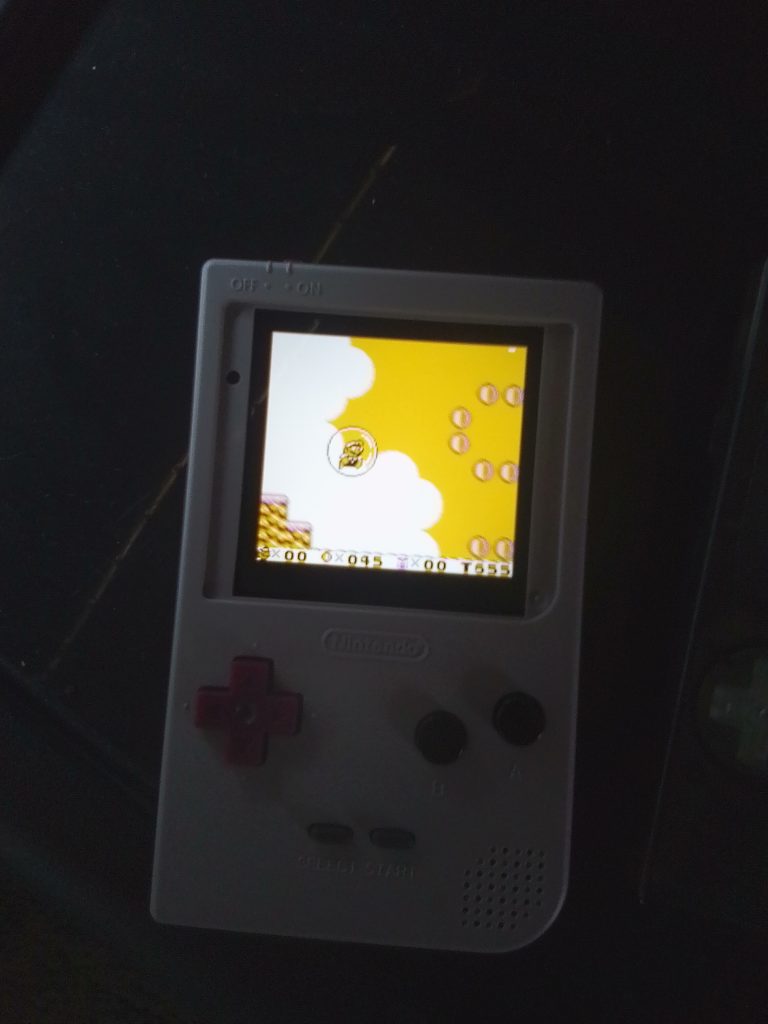
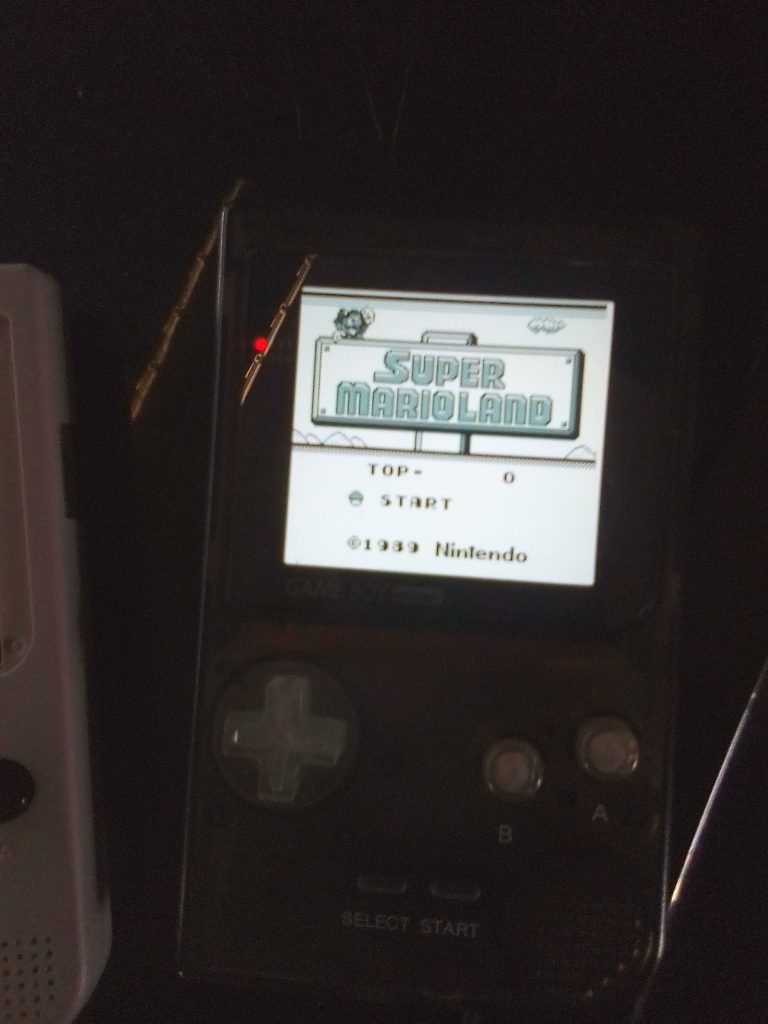
The USB-C battery mod shines blue when it is charging. I haven’t fully tested the battery yet, but it holds a charge for at least a few hours, which is a great improvement from using two AAA batteries, which can last less than two hours, depending on the brand that you are using. I’ve been playing many of the classics, such as Zelda: Link’s Awakening, Super Mario Land 2, and Pokémon Gold. I’ve also been using an Everdrive and have had no problems so far. A feature that I’d like to mention is that the screen has the ability to display a backlit version of the logo. I haven’t found the setting to do this yet, but I’m working on it.
Conclusion
Is this new HISPEEDIDO kit as good as the excellent FunnyPlaying kit? Well, if it is a ‘drop-in’ kit then I’d say definitely yes. However, because of how I set up the console, I can’t be sure if it is a ‘drop-in’ kit, if it just needs the power wire soldered, or if it needs the full four wires soldered to the vias. I’m leaning towards it being a ‘drop-in’ setup, in which case this is the first Game Boy Pocket IPS screen kit that requires no soldering. Also, the screen doesn’t flicker as much as the FunnyPlaying version. There are kits available on Aliexpress that require the user to wrap a wire around the battery terminal, but those are mainly unbranded and also flicker so much that they are often unplayable. Overall, this is a great kit and I’d recommend anyone who wants to backlight their Game Boy Pocket to pick one up.

BongoBongo123 is an avid Zelda fan who also likes the odd game of Smash. His interests in gaming are broad but he loves a good Metroidvania or action RPGs.
[…] While it is true that most of the good kits for the Pocket require soldering, recently some ‘drop-in’ kits have become available from companies like Hispeedido. Drop-in kits are so much more convenient […]