The Sega Master System is an often underrated console with a huge library of games that sold more than it’s rival, the NES, in some regions, including Europe and South America. As someone from Europe, the Master System was a popular console choice for older generations, such as my brother and his school friends. Even today, the Master System seems to be looked back on more fondly than the NES, at least in my local area. Some great ports, such as Streets of Rage and Mortal Kombat, appeared on the system. While they weren’t quite as good as their arcade counterparts or their Sega Mega Drive versions, the Master System was known as a console that, despite being 8-bit, was home to some admirable arcade conversions. The NES might have had Mario, but the Master System had Sonic, Golden Axe, and a great port of R-Type, among other great games. Krikzz has created an Everdrive for the Master System. Like most of their flash carts, the Master Everdrive may be the best flash cart available for the system. It will allow for save states and is compatible with all Master System consoles. Additionally, it will work on the Sega Mega Drive (with a cartridge converter), albeit with fewer features. Read on for a short review of the best flash cart on the Master System, the Master Everdrive.

Setup and Compatibility
To set up the Everdrive, simply download the firmware from here and extract its contents to the root of your microSD card. Then, set up a separate folder for ROMs on the root of your microSD card, put the ROMs in the folder, put the microSD card into the Everdrive and you’re ready to play. The Everdrive will work on the original Master System and the Master System 2. You can play ROMs not only from the Master System but also from the Sega SG-1000. For those that aren’t aware, the Sega SG-1000 and Sega Mark 3, are the predecessors to the Master System and Sega’s first attempt to conquer the home gaming market. The Master Everdrive will not, as you’d expect, run MegaDrive/ Genesis ROMs.
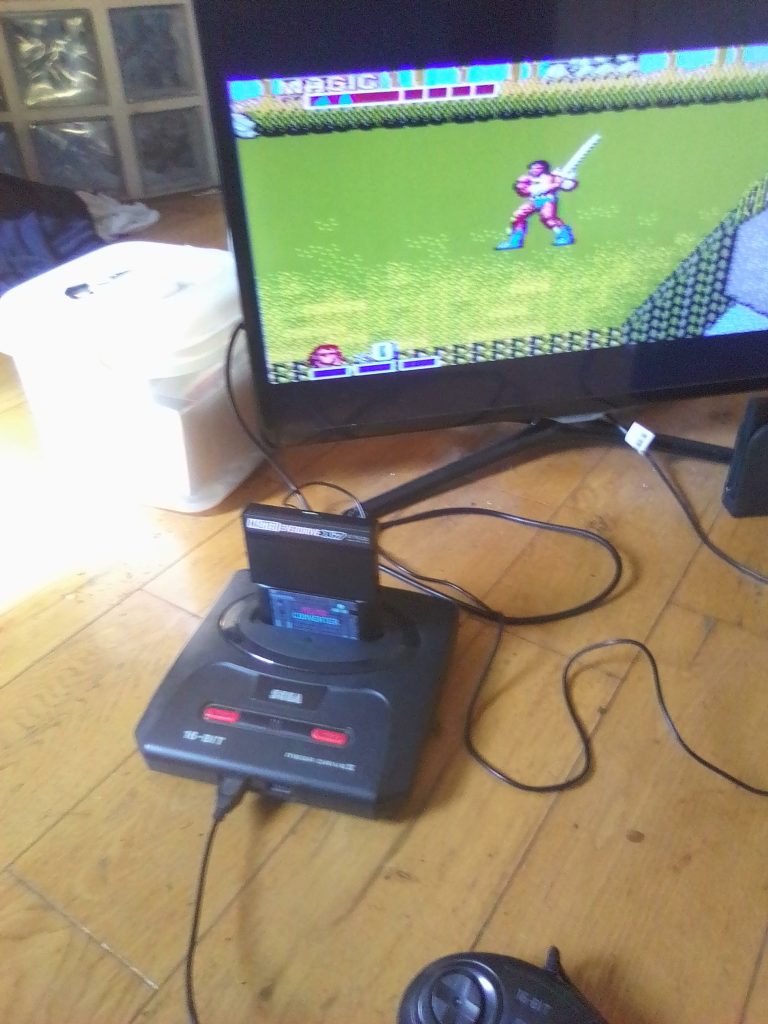
Speaking of the Mega Drive, as it is backwards compatible with the Master System (however uses different-shaped cartridges), the Master Everdrive will work in a Mega Drive/ Genesis if you have a cartridge converter such as the official Power Base Converter. As you can see in my images, I’m reviewing the Master Everdrive using a Sega MegaDrive 2 and a third-party cartridge converter. However, the one drawback in using this setup is that if you use a Genesis/Megadrive, you won’t have access to soft boot back to the main menu, and can’t use save states. This just means that to play a new ROM, you need to restart the system each time. This was a minor inconvenience, and it didn’t interrupt my enjoyment of playing games like Golden Axe, R-Type, and the unlicensed Super Tetris (more on this later in the article).
Performance
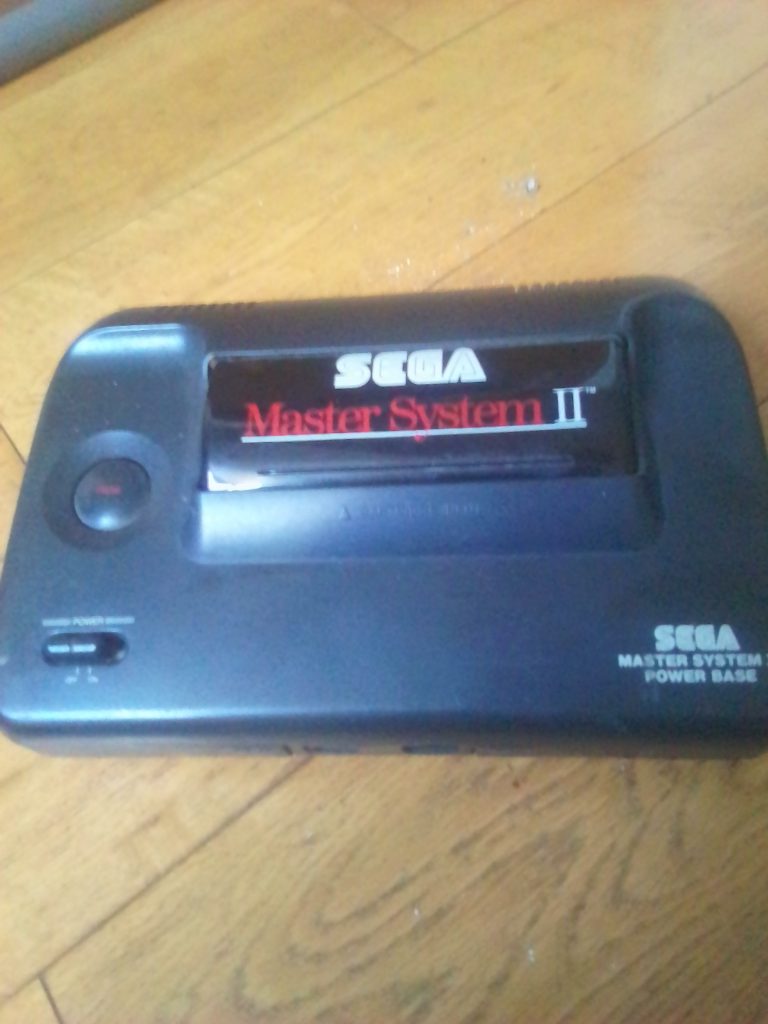
I actually have a Master System 2 but have no power brick, and no cables to connect it to an HD TV. For that reason, I’ve had to use a Mega Drive 2 and a cartridge converter for this review. The experience has been great, and I’ve blasted through shoot ’em ups, platformers, fighters, and puzzle games. While the graphics lack that 16-bit polish, I find there’s something charming about 8-bit games. I’ve gotten to experience the original Phantasy Star for the first time, and while I would describe the experience as archaic, I do think that the vision of the world-building and story is inspiring. I also played a couple of Sonic games that could be described as ‘demakes’. They aren’t as good as their Genesis/Megadrive counterparts, but they have their own charm, and I can see how you could become obsessed with them if they were the only games you had back in the late 80s.
The menus of the Master Everdrive are clean and what we’ve come to expect from Krikzz and the Everdrive brand. They are simple and easy-to-navigate menus. Your ROM folder is obviously where you’ll spend most of your time, and I’ve read that there are up to 1000 files per folder. You can, of course, have multiple folders of ROMs, each organised by genre, for example. It is not only official games that you theoretically have access to with the Master Everdrive, ROM hacks, and homebrew titles are another option. One such title that I’ve played is Super Tetris, a homebrew Tetris game for the Master System. I thought it definitely wasn’t the worst Tetris game that I’ve ever played, even compared to professional versions, and as usual, homebrew is a nice addition to the classic games native to the system.
Conclusion
Overall, the Master Everdrive is a way to hold your whole Master System collection in one place, on one cart. It is compatible with all Master System consoles, and can even be used on the Sega Megadrive if you use a cartridge converter (but with no save states). The great design of the cart and premium feel add to the argument that this Everdrive is the best flash cart for the Master System. Hundreds of official titles, plus homebrew and ROM hacks, mean that you’ll always have something to play. However, if you already own a Mega Everdrive Core or Mega Everdrive Pro (which can play Master System ROMs), is it really worth it to invest in a specific Master System Everdrive? I think the answer to that question comes down to how much of a Sega fan you are and how many consoles you have. Regardless, the Master Everdrive is a great flash cart, and a must-have if you love Sega 8-bit games.

BongoBongo123 is an avid Zelda fan who also likes the odd game of Smash. His interests in gaming are broad but he loves a good Metroidvania or action RPGs.