I review a few flash carts and reproduction games (ROM hacks) on this site, and often I don’t use the original hardware to test the carts, but instead I use a ‘clone console’. There is some misunderstanding as to the quality and presentation of ‘clone consoles’. While it is true that older clones, such as the ‘Scorpion’ (a Sega Megadrive clone system from the 90’s) were trying to pass themselves off as the real deal, modern clones from companies such as Hyperkin, Analogue, and Retro-Bit differentiate themselves by presenting as unique, cool, and practical alternatives to original hardware. As the original consoles released decades ago, I find it a real pleasure to be able to play ‘new’ devices that are slickly presented and can play games almost as well as the original hardware. Some clones even have multiple cartridge slots and allow games from multiple systems to be played. However, as clones sometimes use emulation rather than natively supporting cartridges, there can be compatibility issues. For me, that is a minor negative and the positives of new clone systems massively outweigh the negatives. Read on for a short review of the Hyperkin Retron 1 HD Gaming System.
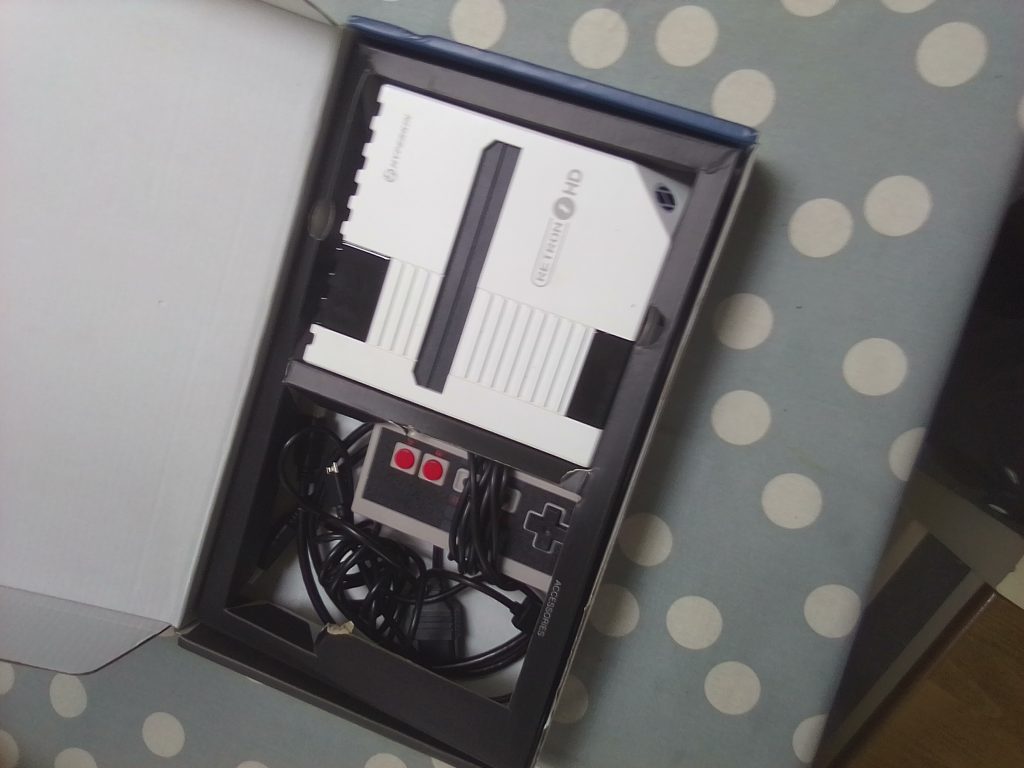
Setup and Compatibility
The Retron 1 is a system from Hyperkin that was designed to be a cool, new replacement for your old NES system that might be boxed up in your garage. The Retron 1 plays NES games, and NES games only, however, it is an HD system in that all you need to do is plug an HDMI cable into the system and it’ll play your NES games. Older consoles are infamously difficult to get playing on modern TVs, so the fact that the Retron 1 connects via an HDMI cable is very convenient. The console itself is small and beautifully designed. The power LED lights up when the power is on, and honestly, aesthetically, the console looks amazing. On the system, there is a power and reset button, and the style is reminiscent of the original NES. The console is powered by a micro USB system. I think a USB-C connection would have been more convenient, but at least it uses a universal connection. The games need to be nicely wedged into the system for it to read them. You don’t need to use force, but there is a certain knack to inserting the cartridges. I originally had a copy of Xevious and was wondering why the cartridge wasn’t being read, but it turns out the cart was faulty and wouldn’t load on an NES or a Retron 2 (which I reviewed here). Overall, the system is super simple to install, and it looks great.
As a side note, I am using an original NES pad with the system as I misplaced the original Hyperkin controller that it came with. I can confirm that the original Hyperkin controller is a great, comfortable pad (similarly to the SNES style Hyperkin controller that came with the Retron 2), and often surpasses the original pad in terms of performance.
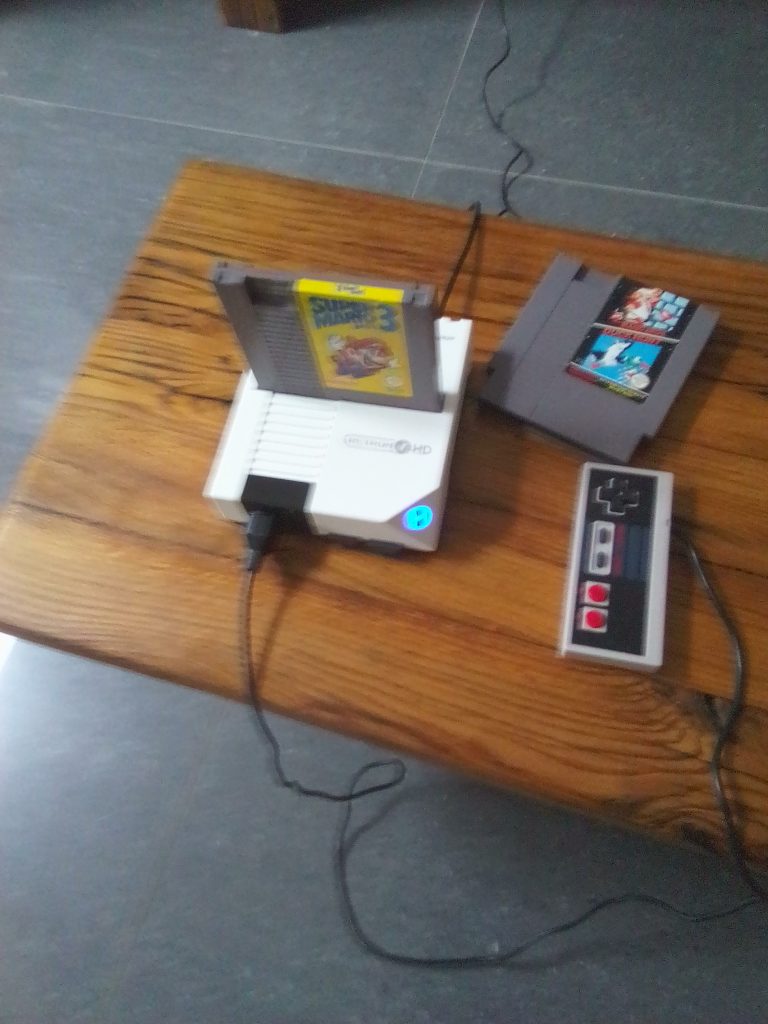
Performance and Emulation
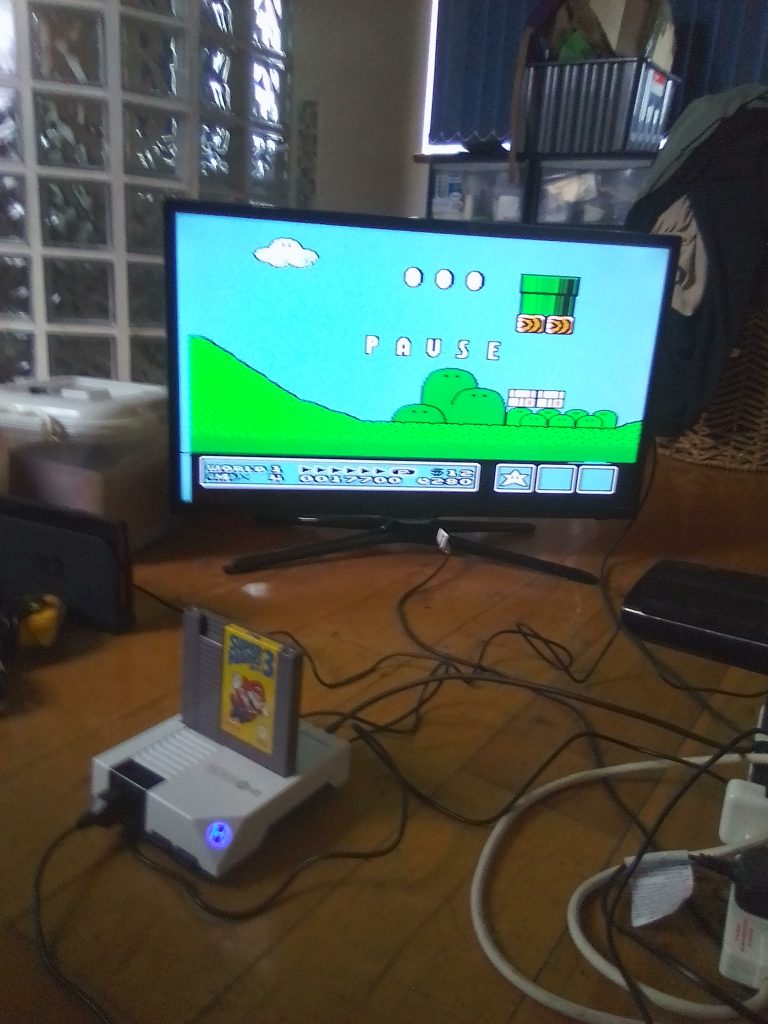
So, after the disappointment of Xevious not working, I purchased and played some Super Mario Bros and Duck Hunt. Super Mario Bros. played great and looked amazing on my modern TV. I didn’t notice any lag or problems with frame rate. I still suck at Super Mario Bros though, I think the physics of Super Mario Land 2 suit me better. Speaking of versions of games, my NES Everdrive does not work on the Retron 1. It doesn’t work because of the way that the system accesses the game’s code. I think it dumps the ROM somewhere and reads the ROM from there. As the Everdrive includes multiple ROMs, the console doesn’t know what action to perform so it doesn’t load. Not playing Everdrive is only a minor negative for me. I later picked up Super Mario Bros. 3. For me, that game is the best on the NES and one of the best platformers ever made.
As I collect more games, I’ll keep testing them on the Retron 1. Hopefully, the compatibility rate is at least 90%. I’ve heard that the system plays reproduction carts, which is a great bonus to me as I like interesting ROM hacks. I have a collection of over 25 Game Boy and Game Boy Color ROM hacks, reproductions and fan translations, which I will test on the Retron SQ HD (however, I’m worried as I’ve heard using Game Boy carts with the system can wipe your save data). I am yet to pick up the Retron SQ and currently have a Retron 1, and a Retron 2. The Retron SQ looks the best; however, it is meant to have many issues regarding compatibility.
Conclusion
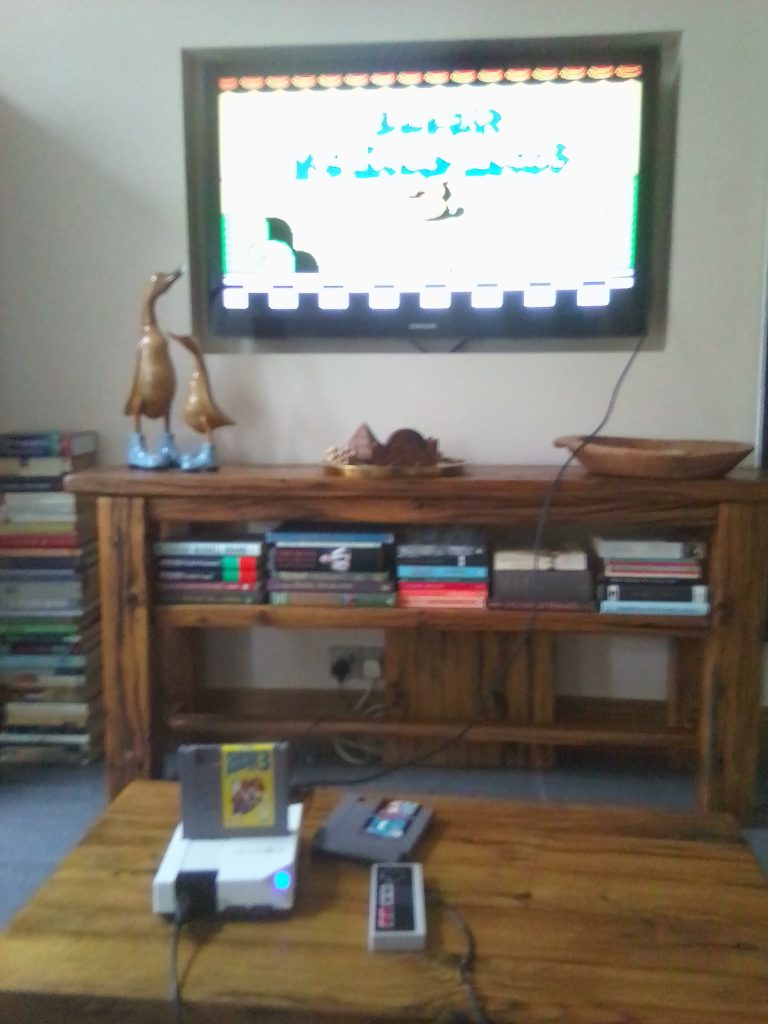
Overall, new clone consoles can be great ways to play your old cartridges. They are often slickly presented, and despite some compatibility issues, will play the majority of your library. Here, I reviewed the Retron 1, a nice-looking NES clone that scores highly in terms of convenience because to work on a modern TV, all you need is to hook it up with an HDMI cable. Unfortunately, the Retron 1 isn’t compatible with flash carts, and I haven’t tested it extensively yet, but the Super Mario Bros games have worked great, with no lag, no issues with frame rate, and a clear, crisp display. The Retron 1 is usually on sale for around £50. Considering a working NES is often around double that price, investing in a Retron 1 is a simple decision, especially for those who have an NES game collection.

BongoBongo123 is an avid Zelda fan who also likes the odd game of Smash. His interests in gaming are broad but he loves a good Metroidvania or action RPGs.