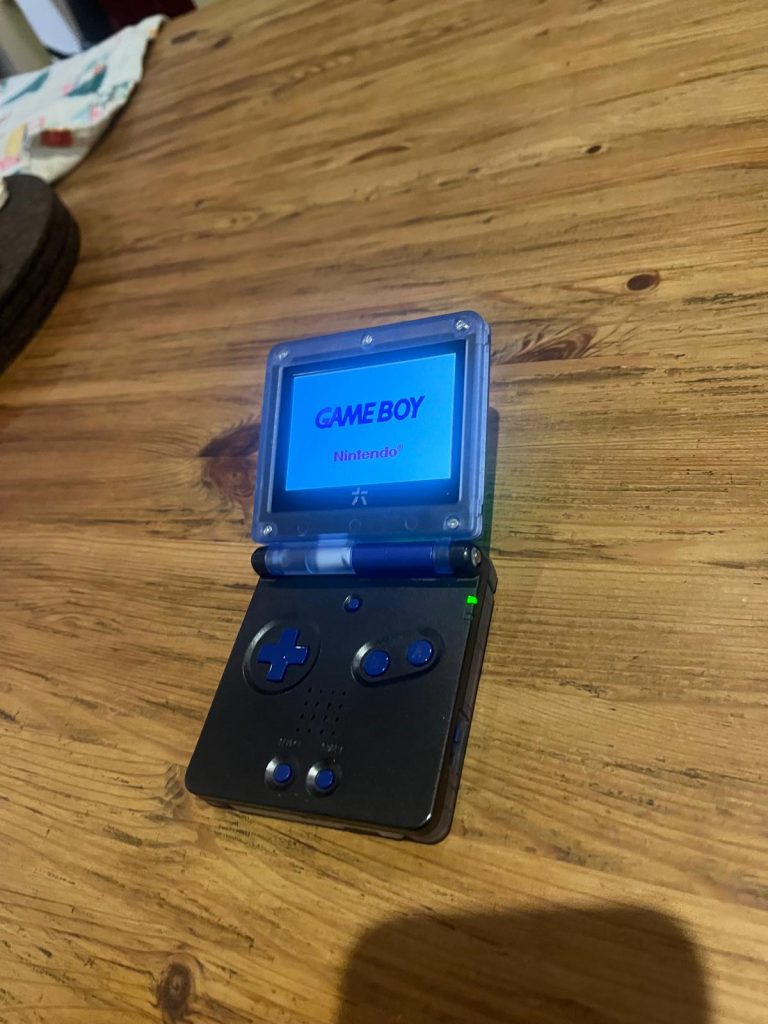
The Game Boy Advance SP was the first internationally released Nintendo handheld to include a frontlight or backlight. The first version of the SP, the AGS 001 included a frontlight that made playing in the dark possible. However, it wasn’t very bright and was nowhere near as clear as modern (or contemporary) backlit screens. The AGS 101 model of the SP included an actual backlight. The difference between a frontlight and a backlight is that as the name suggests a frontlight illuminates the display by shining a light on it, whereas in a backlight the actual screen is lit from within. The individual pixels shine as if lit from within. In this review I’ve installed a RetroSix IPS display into a previously frontlit Game Boy Advance SP. Read on for a short review of the RetroSix GBA SP CleanScreen Kit.
Installation
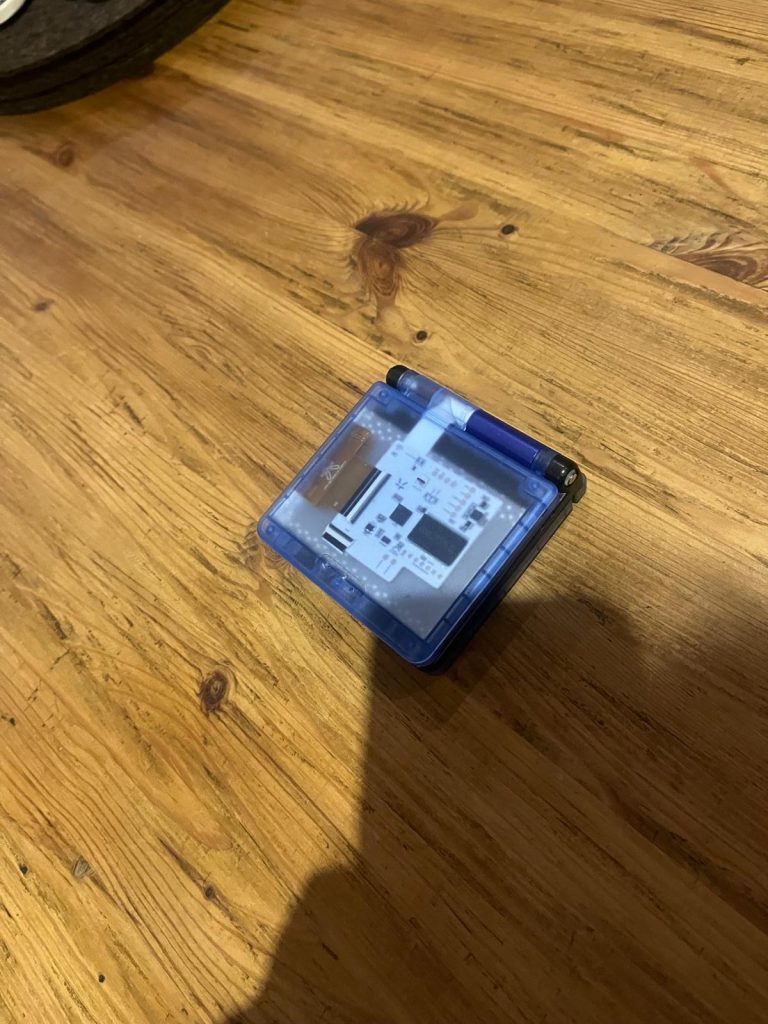
In the package from Retrosix I found the laminated display (which carries the RetroSix logo), a board for the display, ribbon cables for the screen board to the board of the Game Boy, and the optional button ribbon. This all came nicely packaged. I began installation by taking apart my donor GBA SP. Whenever I’m working with the SP I use extra precaution because of the hinge mechanism. It can be intimidating to work with, so I advise taking your time and not rushing to put things back together. Installation is pretty simple but you may find that it’s a tight fit in the top half of the Game Boy. There are a few ways to insert the various ribbon cables. Only one way will make the set-up function correctly. Watch the video below and use it to guide your installation.
I had an issue after installation. When turning on the console the power light would flicker and the console wouldn’t turn on. I thought this was a problem with the donor console board until I realized that without the IPS screen the console powered on normally (although obviously without a screen in place). I then investigated the connections and think that what went wrong was simply that I had a ribbon cable connected the wrong way. Once this was corrected, and everything was sitting flush in my new shell, it all powered on fine. So, once this was done, I could begin playing games.
Performance
I’m using an Everdrive for my testing of the console. I noticed that GBA games drained the battery a lot faster than Game Boy or Game Boy Color games. I may have an issue with the battery since even right after charging, the red light indicator activates after around an hour. Whether this is due to a faulty battery or its due to the kit draining power quickly I can’t be sure of.
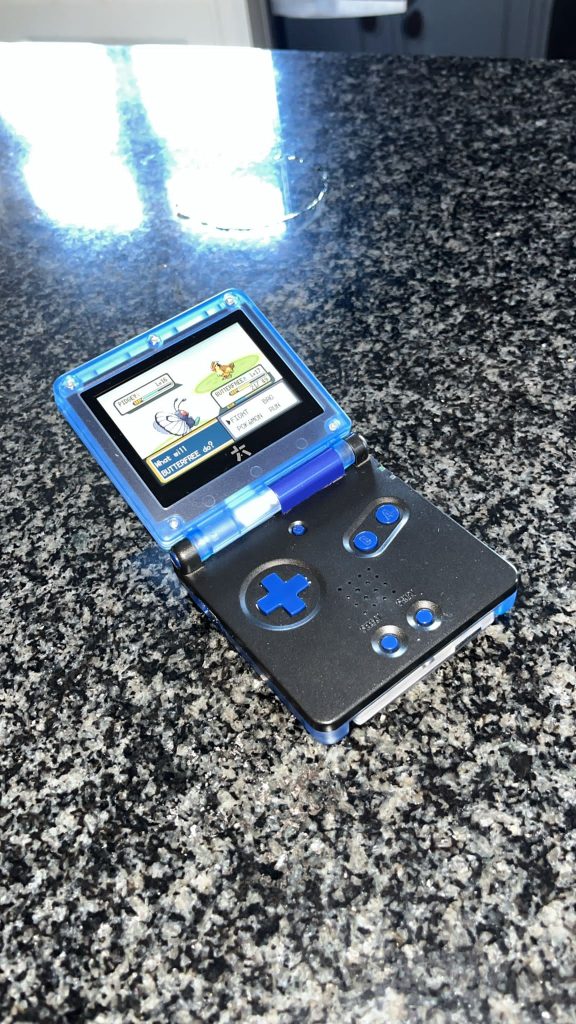
This kit is a huge improvement over the frontlight of the GBA SP AGS 001. The colors are vibrant and bright, the dark colors are deep, and I think that the screen is one of the best compared with other IPS screens on other consoles such as Game Boy Color. The games that I tested included LOTR: The Two Towers, Pokemon: Leaf Green, and Super Mario Land 2: 6 Golden Coins. The problem of dark screens that stop you from enjoying games such as those experienced with the GBA Castlevania games is a thing of the past with the RetroSix Cleanscreen mod. Even in intense sunlight, the screen is crisp and visible.
Conclusion
Overall, the RetroSix Cleanscreen IPS kit for the GBA SP is a marvel to behold that will illuminate the darkest games on the system and can be played in almost any light condition. The system is quite easy to install, although I’d advise following a guide to make sure the ribbon cables are inserted the right way around. No soldering is required but you can install a ribbon cable that allows menu control of the options for the screen. The original AGS 001 is completely inferior in every way to this screen upgrade. One issue may be how quickly your battery will be drained. However, my issue may have been down to a bad battery. What would have been interesting would be comparing the RetroSix Cleanscreen to an AGS 101 display. I highly recommend this mod if you want to upgrade your AGS 001.

BongoBongo123 is an avid Zelda fan who also likes the odd game of Smash. His interests in gaming are broad but he loves a good Metroidvania or action RPGs.
Thanks for the review! Are you still happy with the screen and how do you think about battery runtime?
I think it is one of the best IPS screens available for the GBA SP. The battery runtime is great, but slightly less than the HISPEEDIDO screen kit.